Bybit • Latest Bybit News
Tags: Bybit Pay
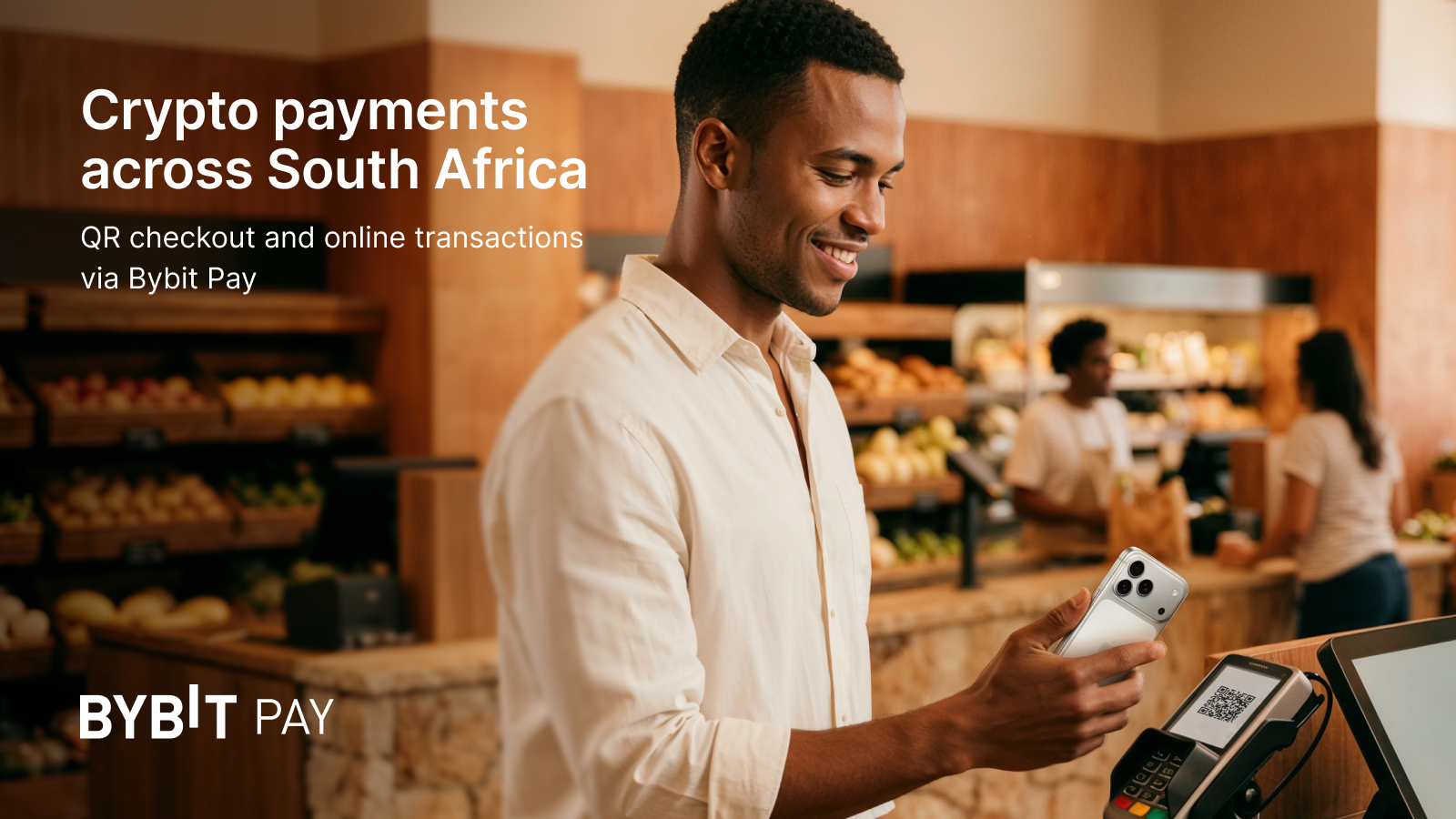
You can now pay with crypto across South Africa using Bybit Pay. Scan QR codes or pay online at supported merchants. Use your crypto for daily spending, from groceries to dining.
What you can do with Bybit Pay and MoneyBadger
You can pay across major South African merchant networks:
• Scan to Pay at 650,000+ locations
• Pay with Zapper at 31,000+ locations
• Shop at Pick n Pay across 1,500+ stores
• Pay online via Peach Payments at 90+ merchants
• Pay online via Ozow at 200+ merchants
Bybit Pay supports QR payments and online checkout across categories like grocery, pharmacy, coffee, and dining. Availability may vary by network and location.
How to activate Bybit Pay
To use Bybit Pay, activate it in the app:
1. Open the Bybit app
2. Go to Bybit Pay
3. Activate the feature and complete required verification
How to pay in-store
To pay at a physical merchant:
1. Open Bybit Pay and tap Scan
2. Scan the merchant QR code
3. Check the payment details and confirm
How to pay online
To pay at an online merchant:
1. Select crypto payment at checkout
2. On mobile, choose your wallet and continue in the Bybit App
3. Check the payment details and confirm
Fees, limits and processing time
• No transaction fees for QR Pay
• Transaction limits: $0.06 to $2,500 per payment
• Most payments are completed within 10–15 seconds
Notes
• Identity Verification is required to use Bybit Pay.
• MoneyBadger operates as a Crypto Asset Service Provider under an FSCA exemption. Its FSP license is currently pending.
Bybit Fintech FZE is a juristic representative of Altify SA Capital (Pty) Ltd, an authorised financial services provider (FSP No. 52727), registered under South African company number 2022/321703/07.
Source: Bybit Official Announcement — originally published on Fri, 10 Apr 2026 13:30:00 GMT.